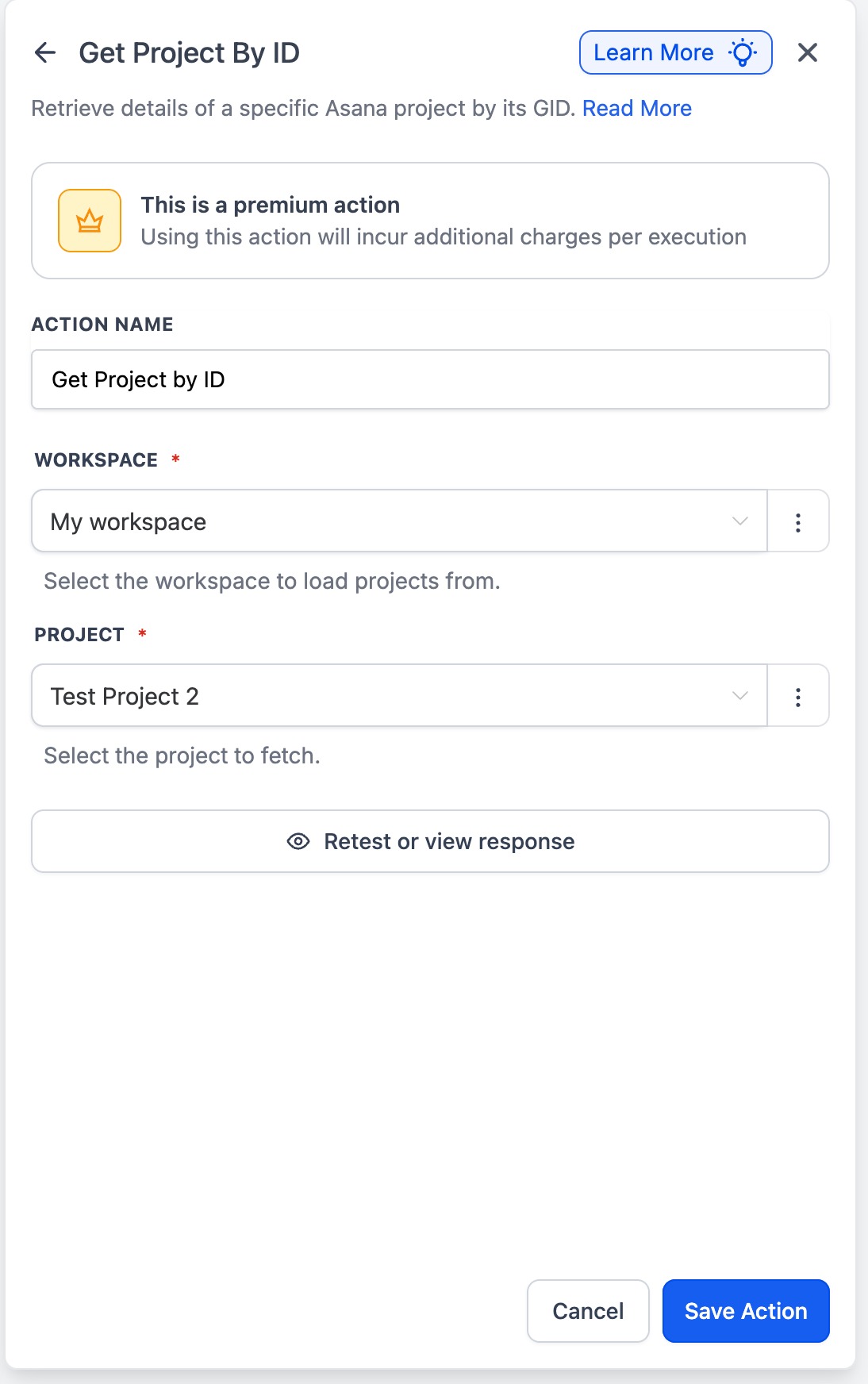
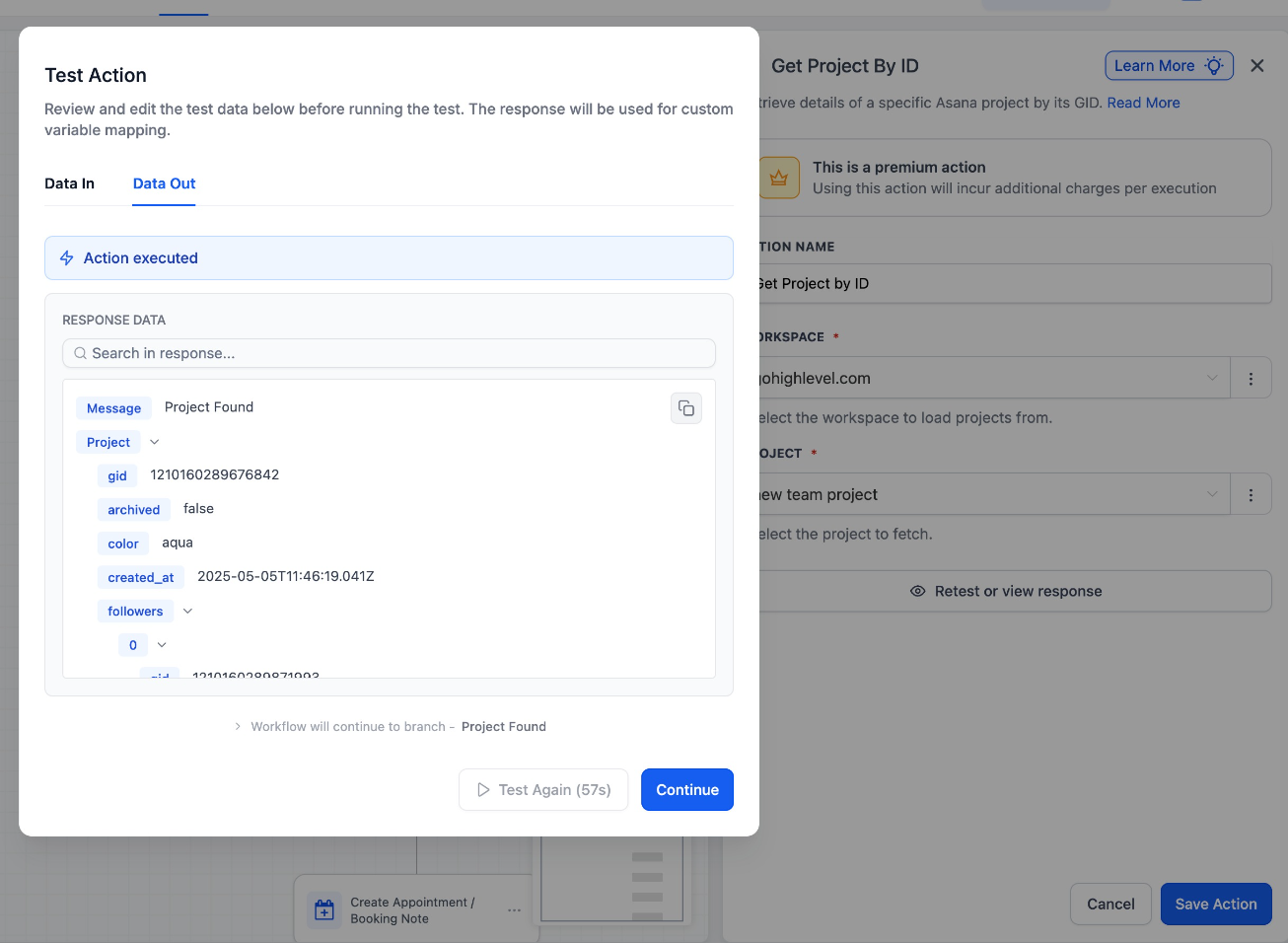
Find Project
: Easily search and retrieve an Asana project within your workflows.
What it does:
- Locate projects by name and retrieve its project ID
- Use the project data in downstream steps
Why it matters:
- No more hardcoding project IDs or saving in custom value picker.
Find sections:
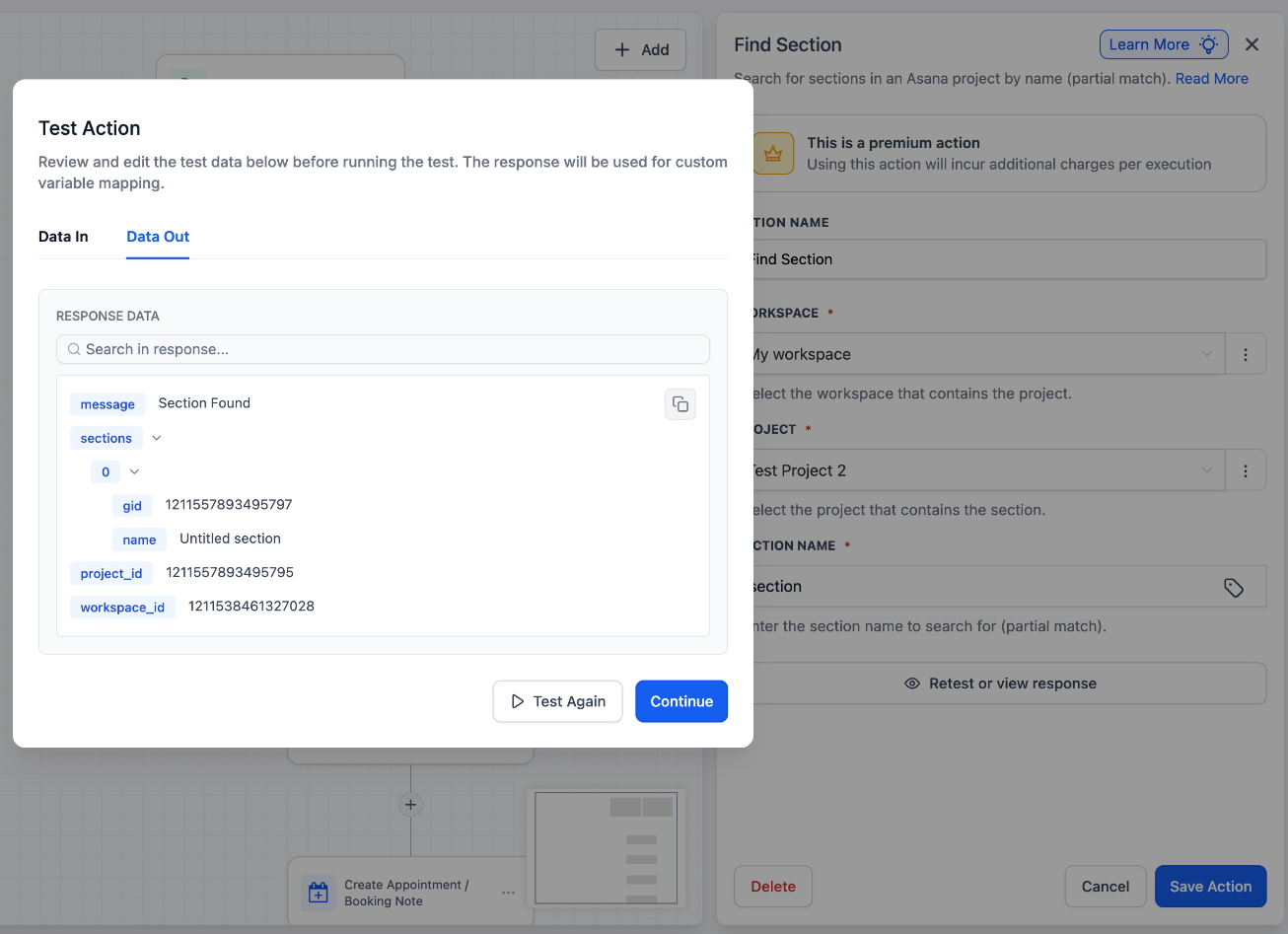
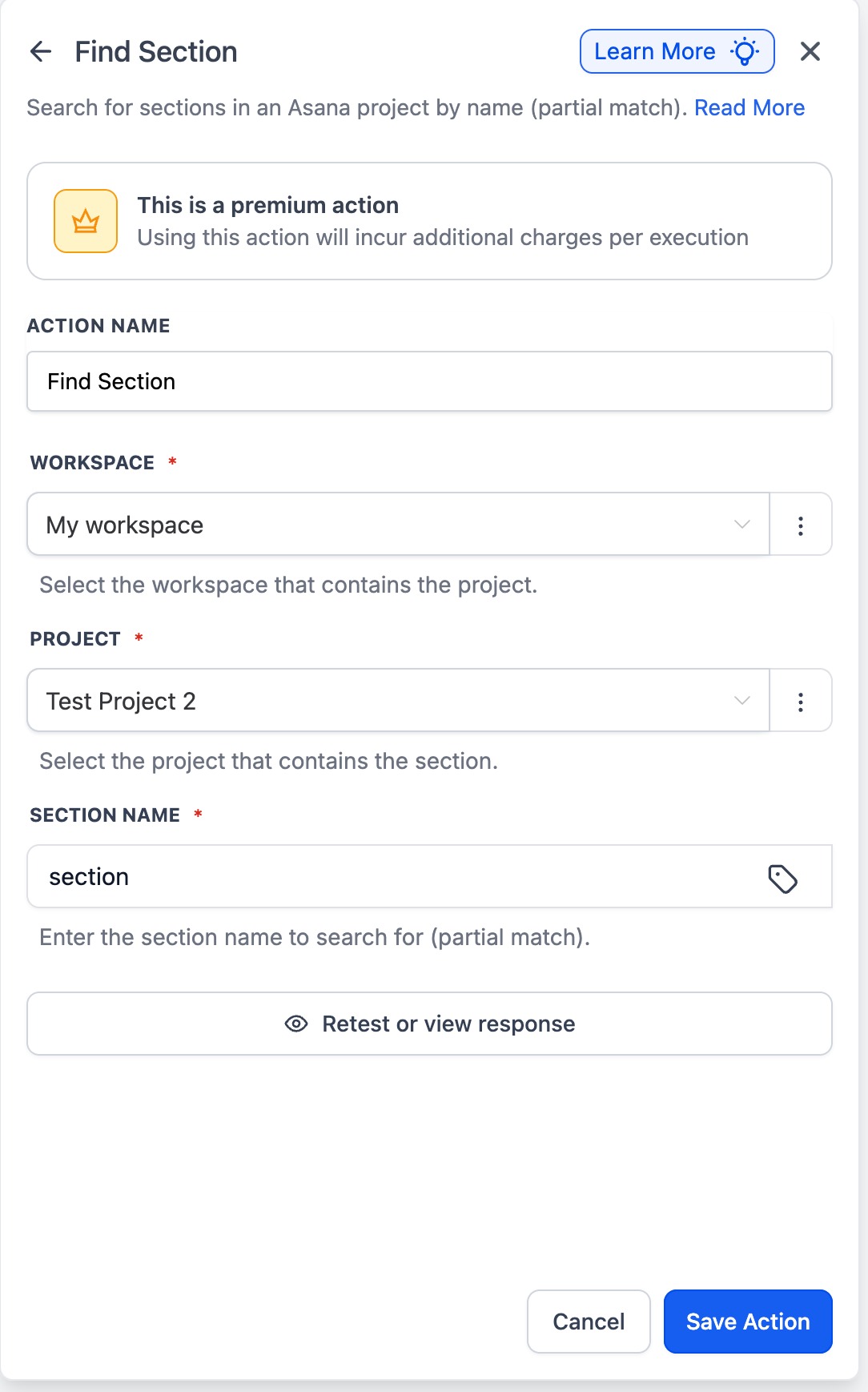
Find sections within a specific Asana project to use the schema in subsequent actions. Outputs a section ID.
What it does:
- Fetch sections and their ID inside a selected project
- Dynamically route and create tasks in the specific section
Why it matters:
- Earlier creating tasks in a specific section wasn't possible because users had to harcode the particular section ID, with this we can find it dynamically.
Use Cases
- Using find project - Users can retrieve the project ID with the name instead of saving the project ID in custom value pickers.
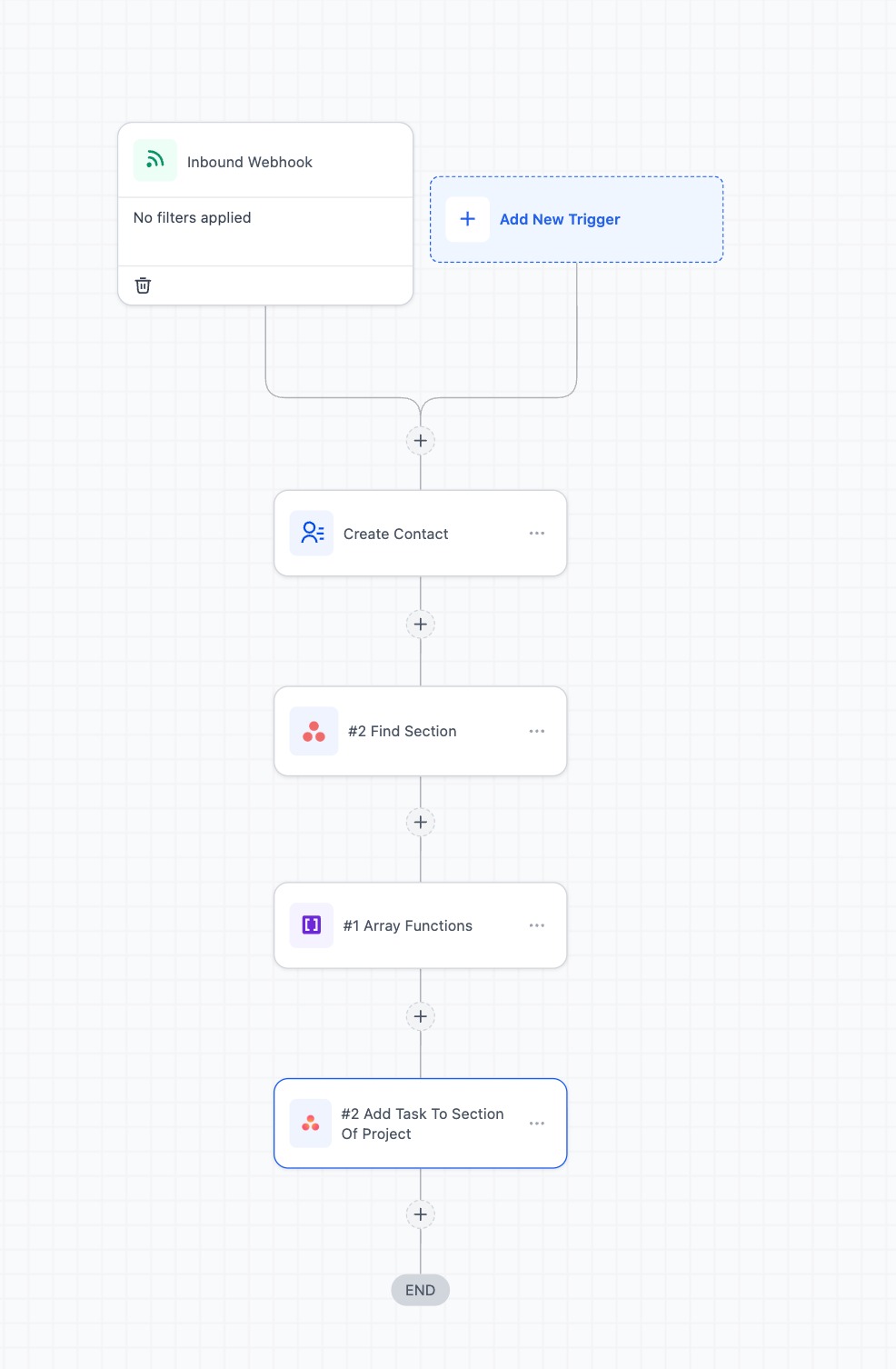
- Using the section ID from Find section action, you can pass this dynamically into "create task" to create a task in that particular section.
Was this article helpful?
That’s Great!
Thank you for your feedback
Sorry! We couldn't be helpful
Thank you for your feedback
Feedback sent
We appreciate your effort and will try to fix the article